
Learn Hub
Learn: Stage Lighting & DMX Guides
Practical, no-nonsense guides to lighting control — written for designers, students and operators. Whether you're patching your first fixture or planning a 128-universe rig, start here.
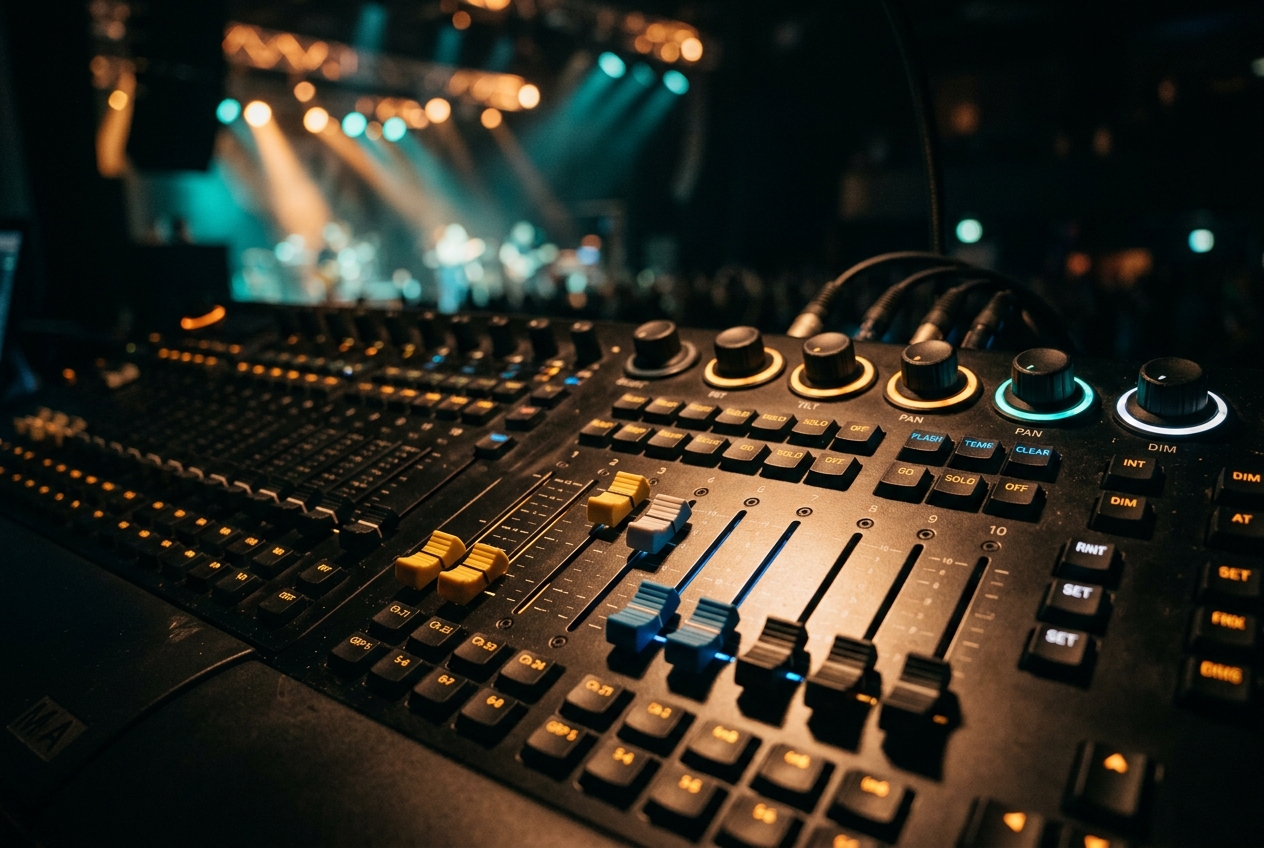
Fundamentals · 9 min readWhat Is DMX-512? A Beginner's GuideDMX-512 (or just "DMX") is the standard digital language lighting consoles use to control fixtures. One DMX line — a "universe" — carries 512 channels, and each channel sets one value from 0–255, such as a dimmer level or a colour. You assign each fixture a start address so it listens to the right channels.
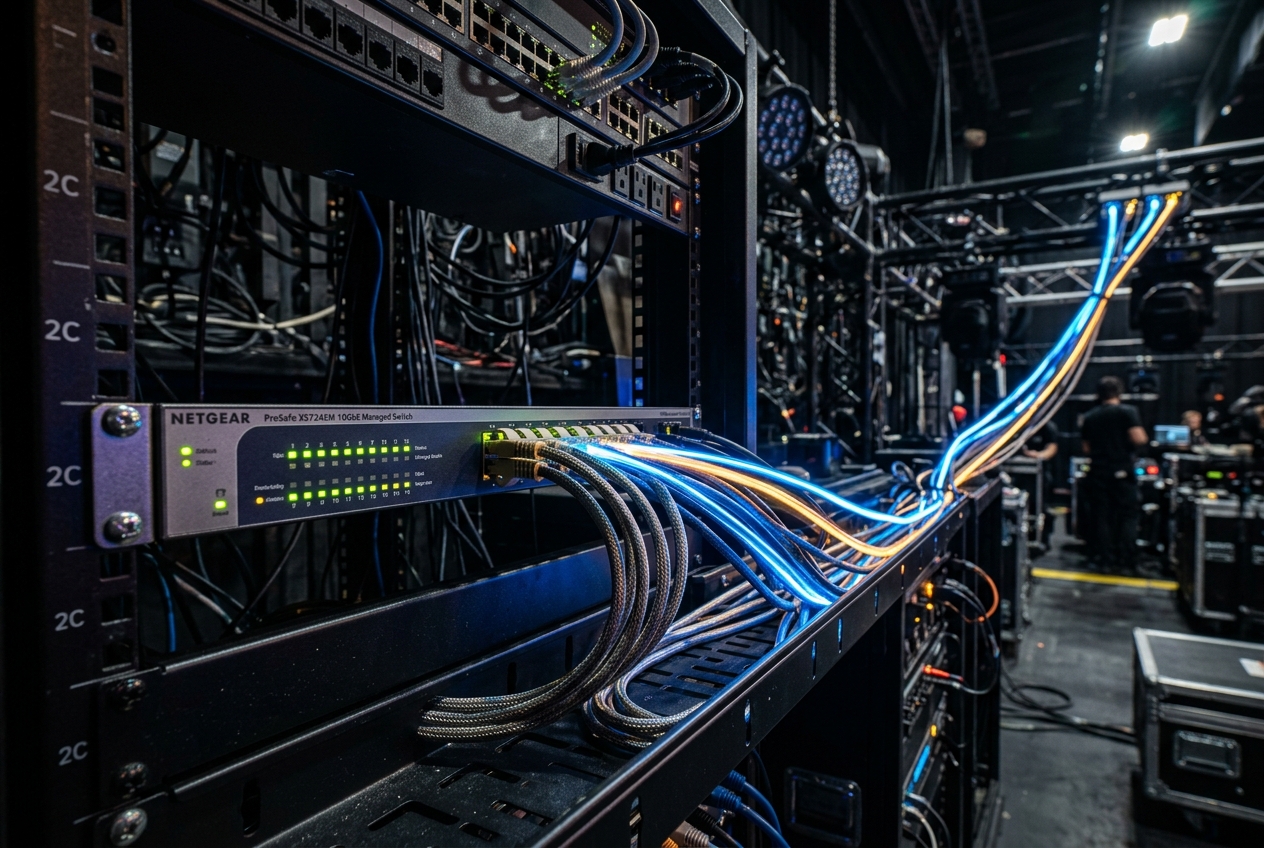
Networking · 9 min readArt-Net vs sACN: Which Should You Use?Art-Net and sACN (E1.31) both carry many DMX universes over a normal Ethernet network. sACN is a formal ANSI standard that uses multicast and built-in priority, making it efficient on big, modern rigs; Art-Net is older, extremely widely supported, and simple to set up. Most nodes speak both — pick the one your hardware prefers.
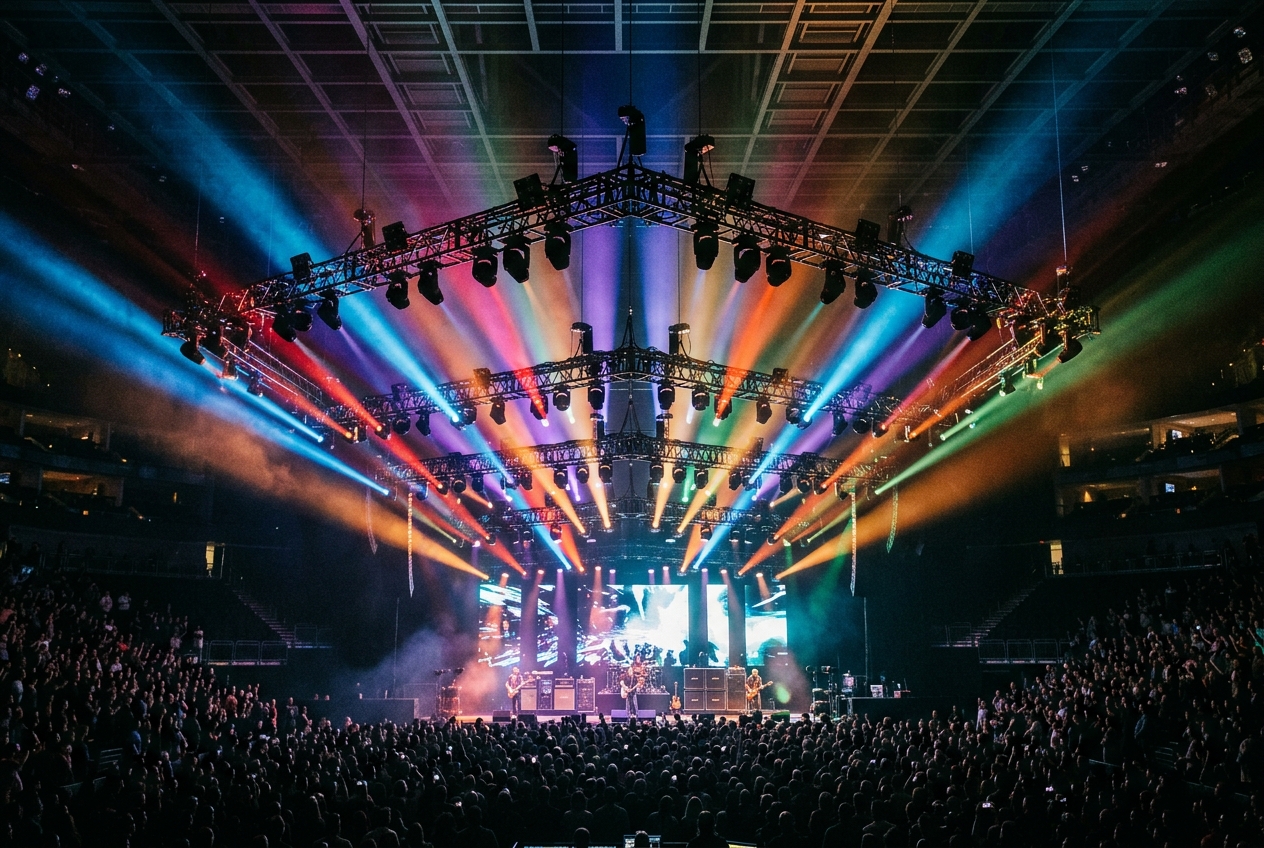
Planning · 8 min readHow Many DMX Universes Do You Need?A universe holds 512 channels. To size your rig, add up the channel footprint of every fixture and divide by 512. Simple conventional rigs often fit in one universe, while LED pixel and moving-light rigs can need many. Always leave headroom — aim to fill a universe only 70–80%.
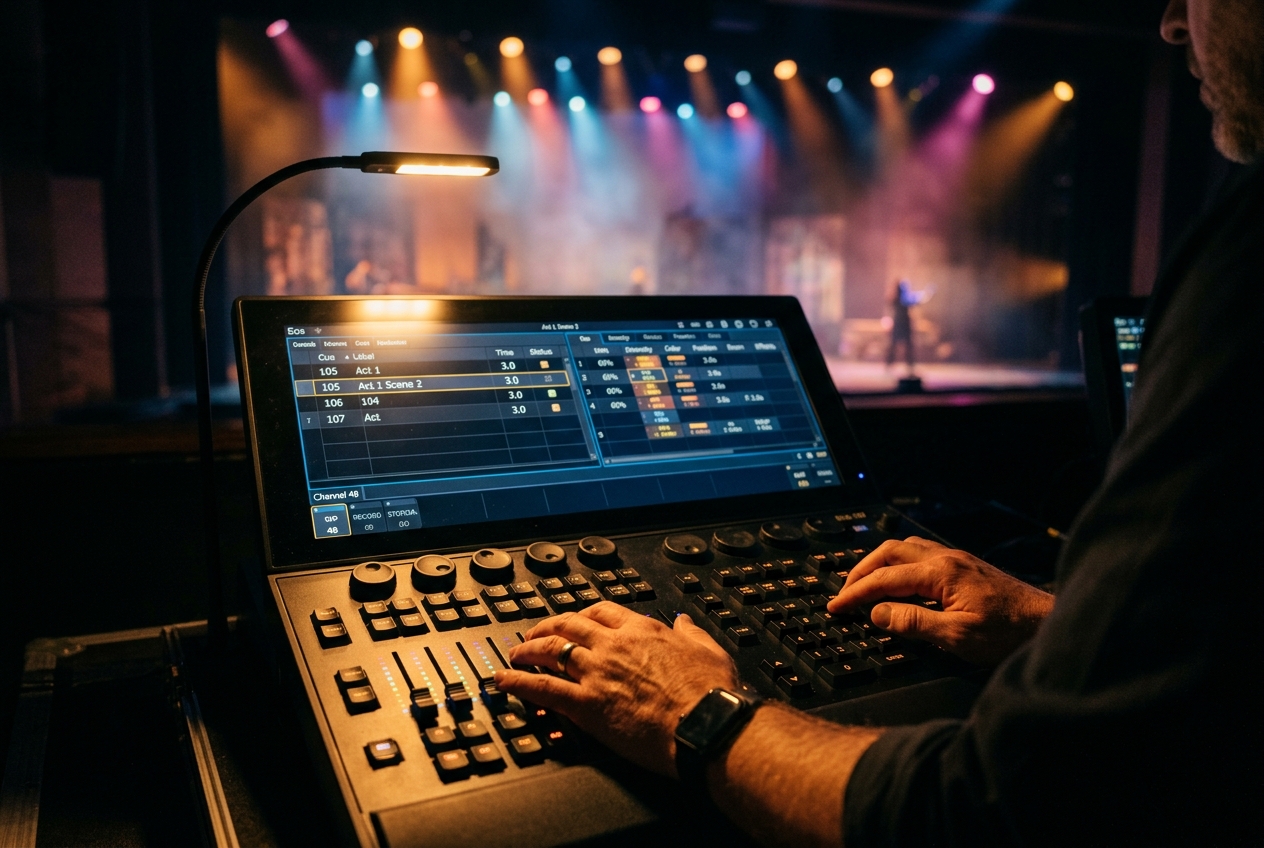
Getting Started · 10 min readHow to Program Your First Lighting ShowProgramming a show follows a repeatable flow: patch your fixtures, group them, build colour and position presets, record looks as cues into a cue stack, then play those cues back live in order. Start simple with a handful of cues and layer in effects once the basics run cleanly.
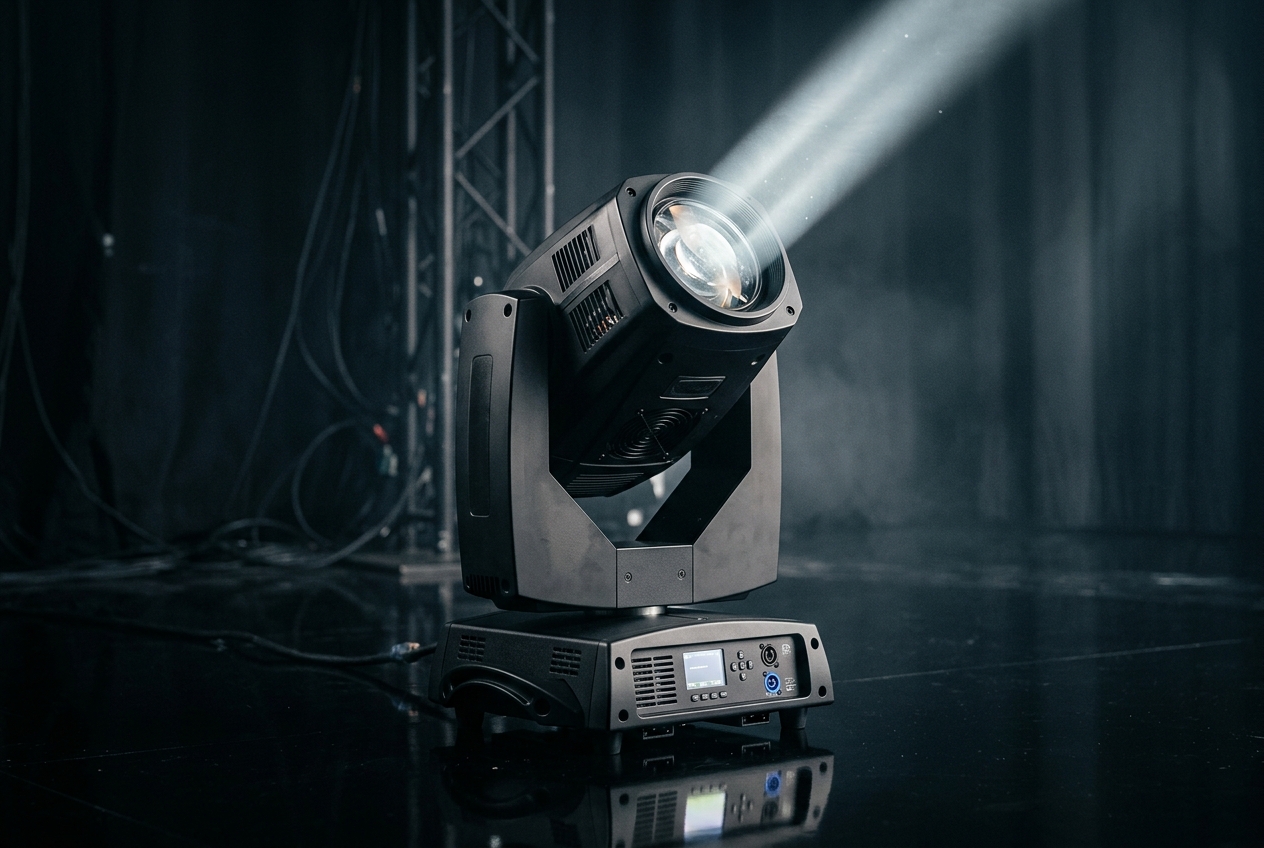
Fundamentals · 8 min readGDTF & Fixture Profiles ExplainedA fixture profile (or "personality") tells the console what each DMX channel of a light actually does. GDTF (General Device Type Format) is an open, manufacturer-backed standard for these profiles, so one file works across compatible consoles and visualizers instead of every brand reinventing its own format.
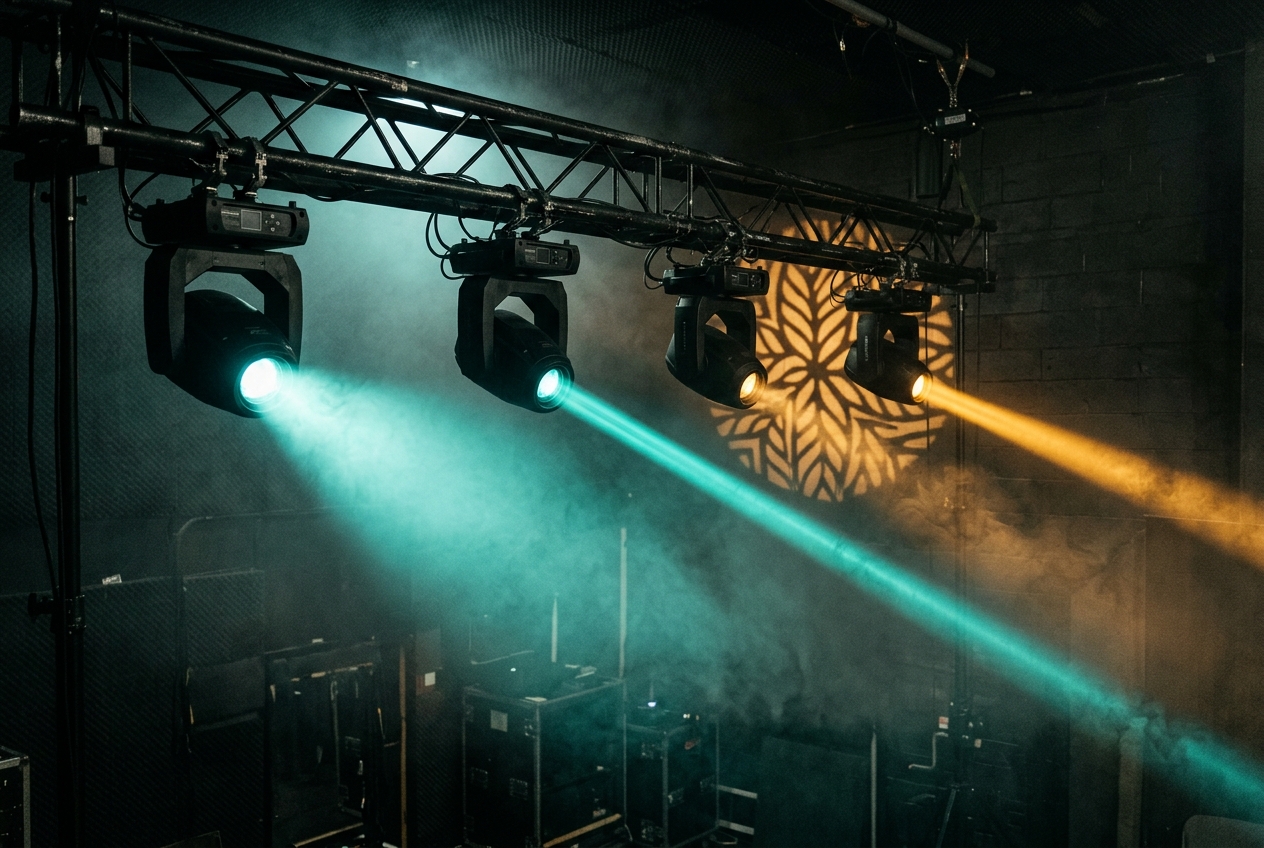
Fundamentals · 8 min readMoving Head vs Wash vs Beam vs SpotWash lights spread soft, wide colour; beams throw a tight, sharp shaft of light for aerial looks; spots sit in between and add gobos and focus; hybrids combine modes. Choosing the right fixture type for each job is what makes a rig look intentional rather than random.
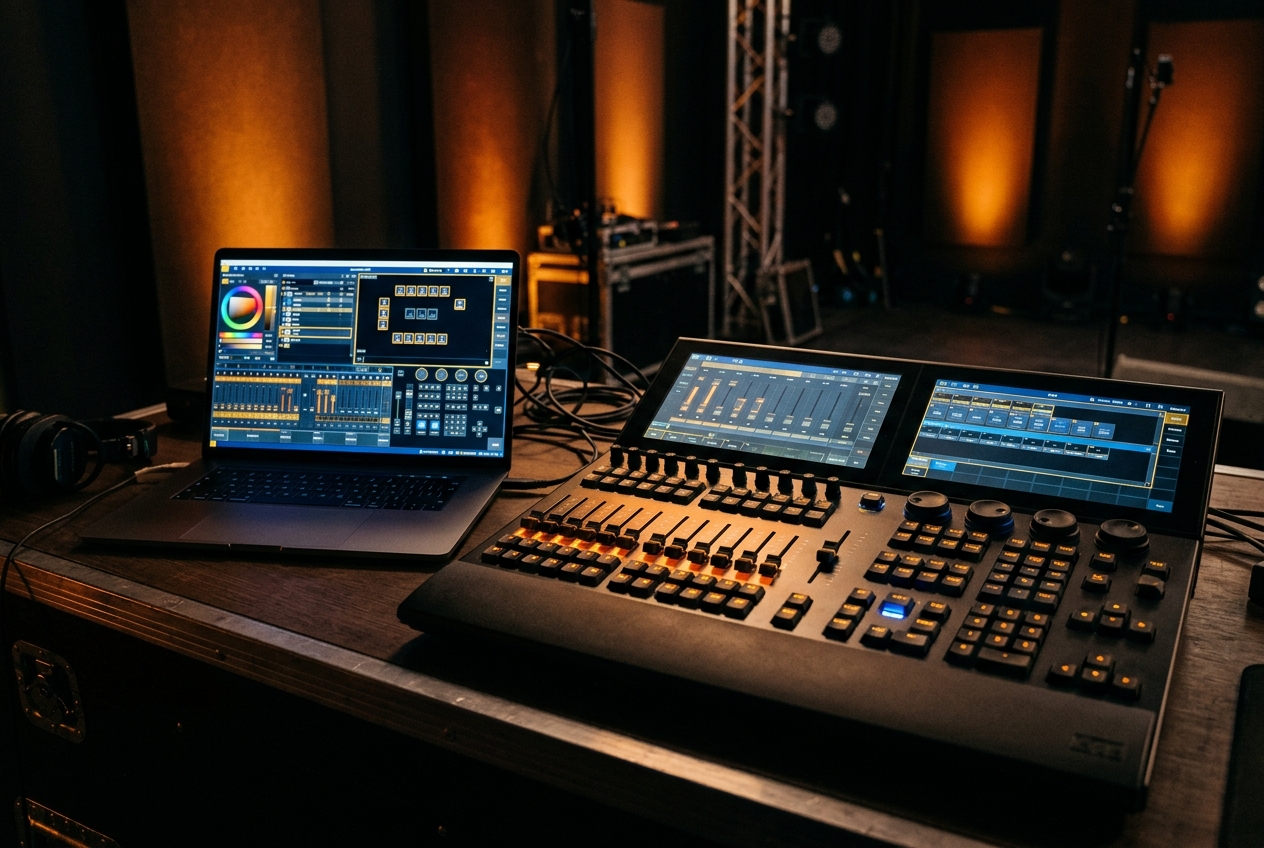
Buying Guide · 8 min readBrowser-Based vs Hardware Lighting ConsolesHardware consoles offer tactile faders and rock-solid dedicated reliability, but they're expensive and heavy. Browser-based consoles like DMXpressions™ run on any device, cost far less, update instantly and travel in a laptop bag — ideal for education, smaller venues, touring pre-viz and backup, with optional physical control surfaces when you want faders.
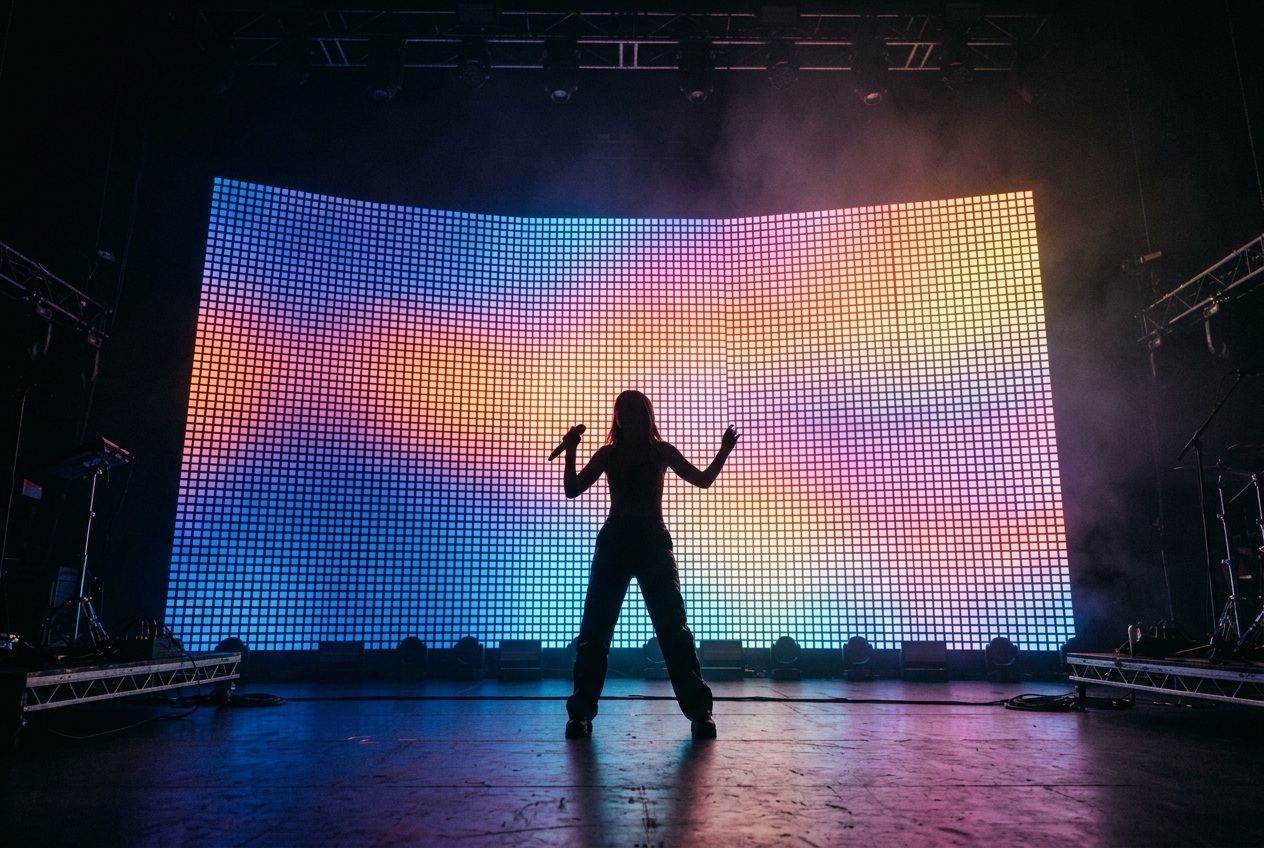
Techniques · 8 min readPixel Mapping BasicsPixel mapping treats a grid of individually addressable LEDs as a low-resolution screen. You arrange the pixels on a virtual canvas, then play effects or video across them so content flows over the whole array. It's powerful but universe-hungry — plan your network capacity carefully.
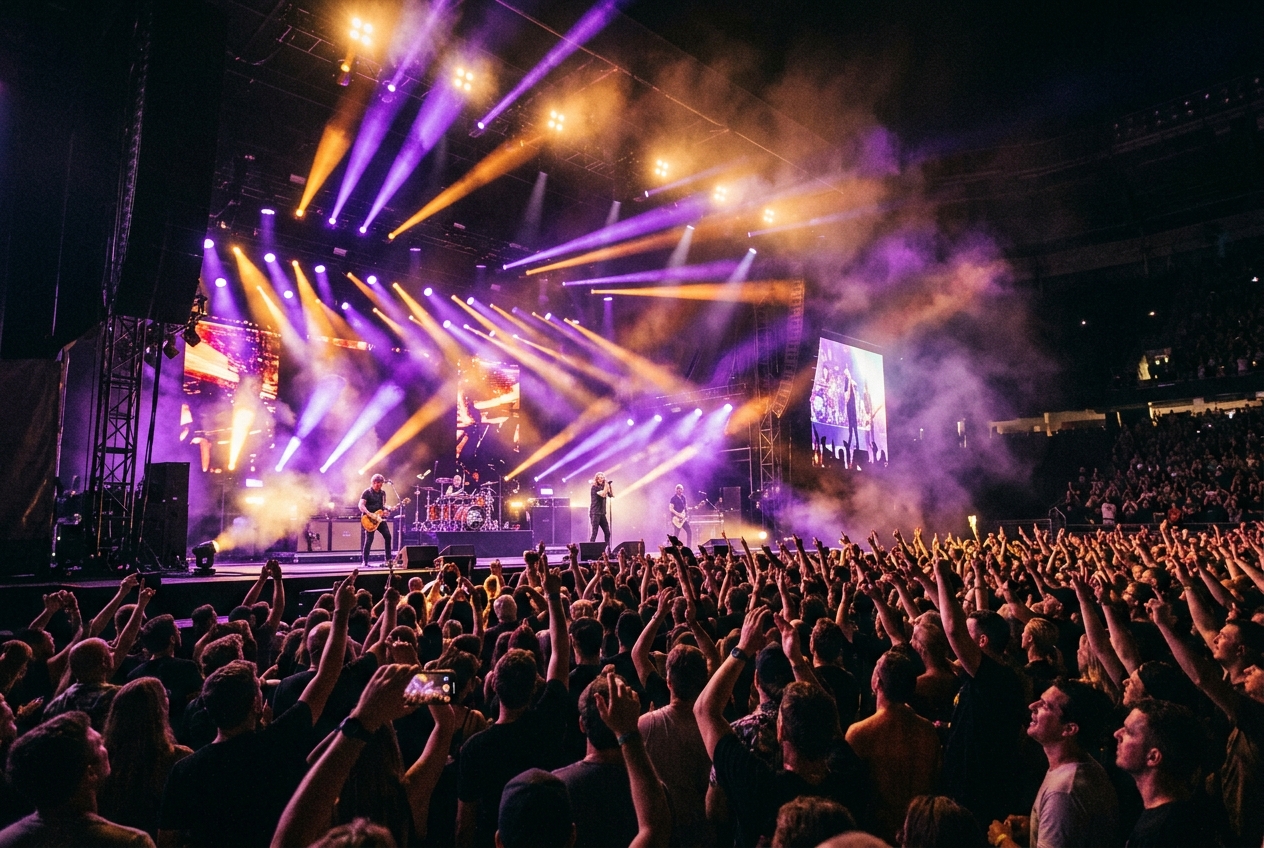
Techniques · 7 min readSound-Reactive Lighting ExplainedSound-reactive lighting analyses live audio — its beat, frequency bands (bass, mids, highs) and overall energy — and maps those signals onto lighting parameters like intensity, colour or movement. Used with restraint, it makes a rig feel alive; overused, it just flickers. The trick is choosing which few parameters follow the music.
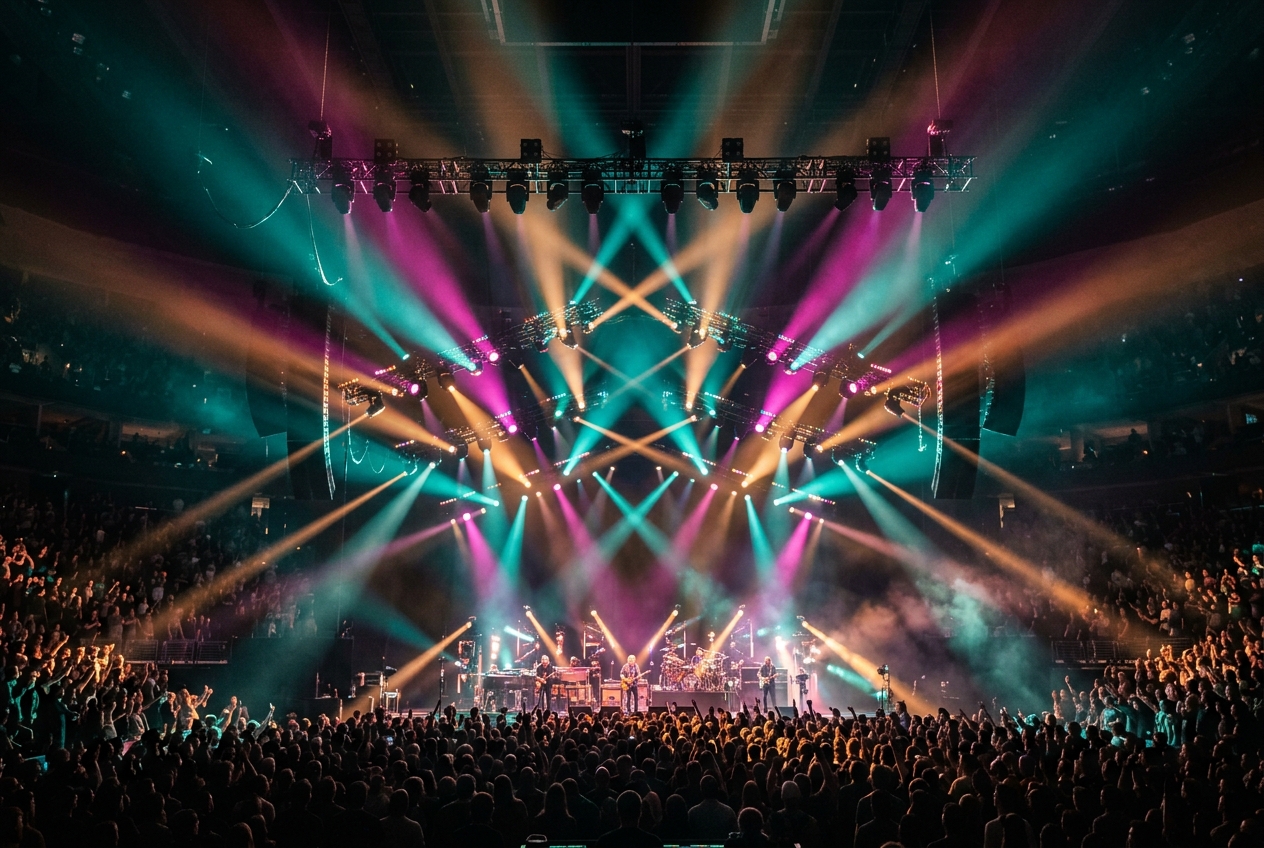
Reference · 11 min readStage Lighting GlossaryThis glossary defines the essential stage-lighting and DMX vocabulary in plain language — the terms you'll meet in fixture manuals, on lighting desks and in the DMXpressions™ console — so you can read any lighting documentation with confidence.
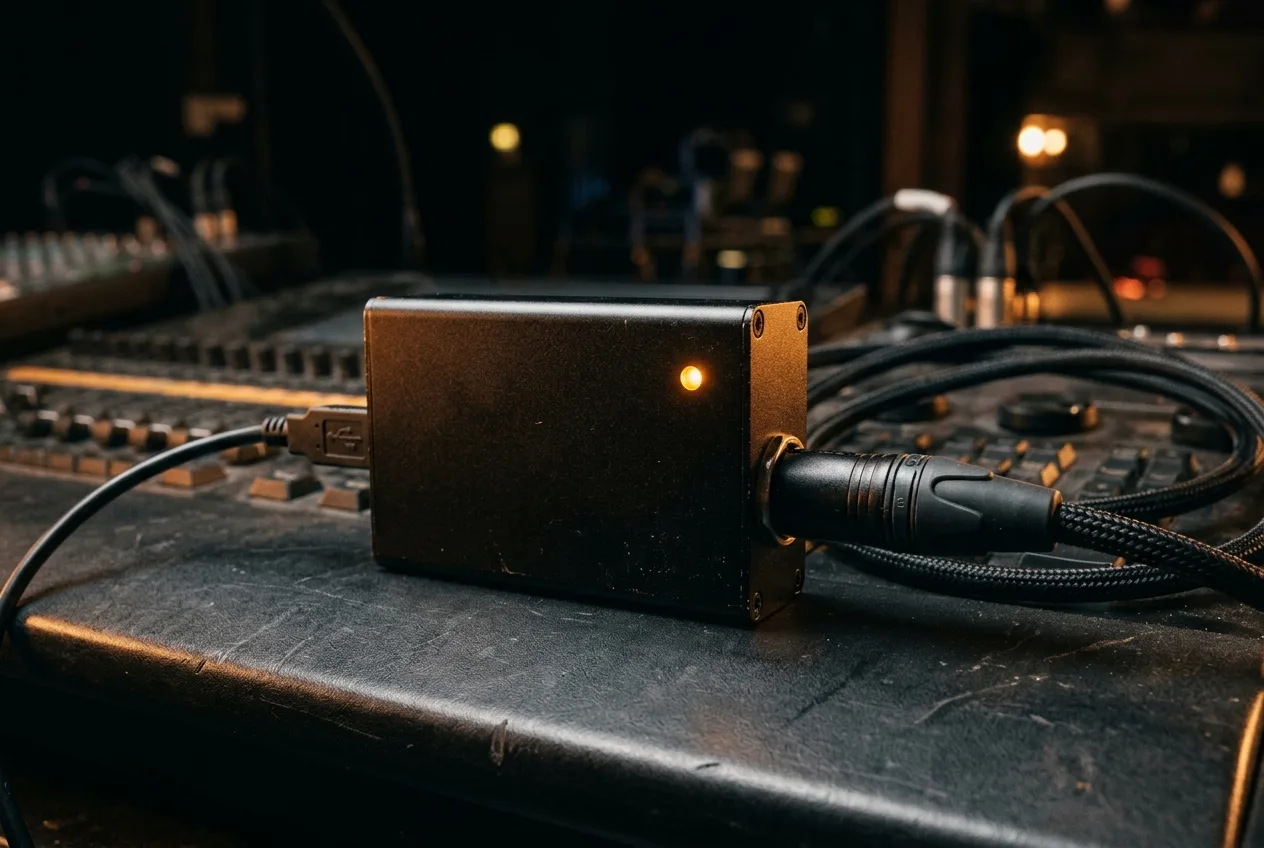
Hardware · 8 min readUSB-DMX Interfaces — What They Are and How to Choose OneA USB-DMX interface is a small adapter that turns a USB port into a DMX-512 output line, so a computer running lighting software (like DMXpressions in a browser) can control real lights. The most common models are the ENTTEC Open DMX and the DMXKing ultraDMX Micro — both work with DMXpressions over Web Serial with no driver install.
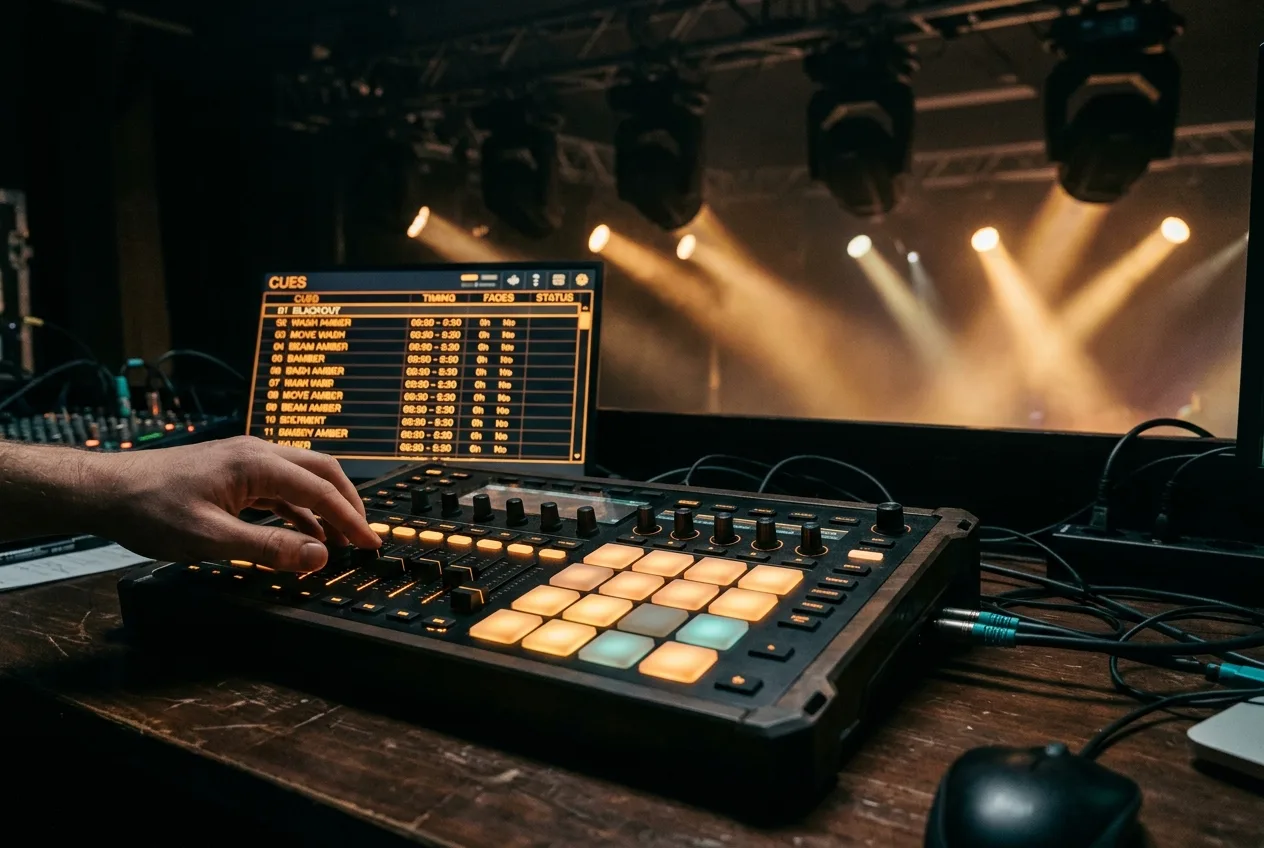
Integration · 9 min readMIDI Show Control for Stage Lighting — MSC & MIDI Notes ExplainedMIDI Show Control (MSC) is a standard that lets one system — usually the sound or media playback rig — send GO, STOP and cue-number commands to another, most often the lighting console. DMXpressions listens for MSC and raw MIDI notes over Web MIDI, so a QLab machine or a hardware MIDI controller can trigger cues, chases and effects with sample-accurate timing.