
Fundamentals · 8 min read
GDTF & Fixture Profiles Explained
A fixture profile (or "personality") tells the console what each DMX channel of a light actually does. GDTF (General Device Type Format) is an open, manufacturer-backed standard for these profiles, so one file works across compatible consoles and visualizers instead of every brand reinventing its own format.
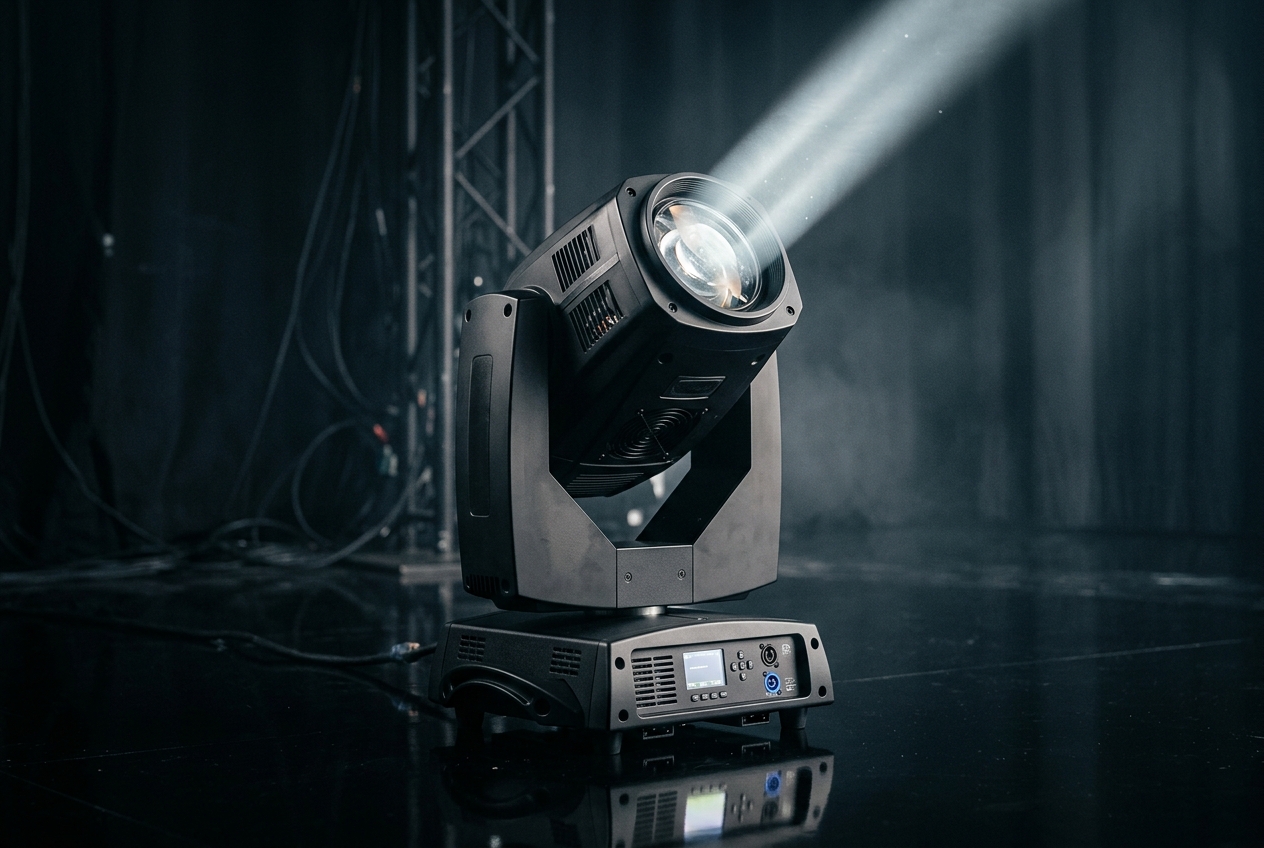
What a profile does
DMX itself is just numbers — channel 5 = 200 means nothing until something explains that "channel 5 is the cyan flag and 200 is 78% cyan". That mapping is the fixture profile. It lists every channel, what attribute it controls (dimmer, pan, colour, gobo), and how ranges behave (e.g. 0–9 = open, 10–19 = gobo 1, 20–29 = gobo 2).
Modes matter
Most fixtures offer several DMX modes — "basic 12-channel", "extended 24-channel", "16-bit" — that trade channel count for control detail. The console must use the same mode the fixture is physically set to, or every channel after the first mismatch is wrong. Checking the mode is the first thing to do when a patched fixture behaves strangely.
Why GDTF matters
Historically every console maker used a proprietary profile format, so a fixture library built for one desk was useless on another. GDTF (backed by leading fixture manufacturers and previz vendors across the industry) is an open standard that describes not just channels but physical geometry, gobos, and photometrics. Because it's shared, the same GDTF file drives your console, your visualizer and your paperwork consistently — a genuine step forward for the whole industry.
What's inside a GDTF file
- DMX modes: each operating mode and its full channel layout.
- Attributes: standardised names (Dimmer, Pan, Tilt, ColorAdd_R, Gobo1) so consoles map controls automatically.
- Wheels: gobo and colour wheel slots, often with real images for accurate previews.
- Geometry: the physical model — base, yoke, head — used for 3D visualization and collision-aware movement.
- Photometrics: beam angle, lumens and falloff so a visualizer can render true brightness.
MVR — the show-file companion
GDTF has a sibling called MVR (My Virtual Rig) that bundles GDTF fixtures with their positions and patch, so you can move an entire rig between a CAD tool, a visualizer and a console without re-patching. If you work with a designer's drawing, MVR is how it reaches your desk cleanly.
Custom and auto-built profiles
Not every fixture has a ready-made GDTF, especially budget or older units. DMXpressions™ includes a profile library plus tools to import GDTF, and to auto-build a personality from a manufacturer's DMX chart when no standard file exists — so you can patch that obscure fixture and still get correct behaviour and a proper 3D preview.
Continue with What is DMX-512? if channels are still fuzzy, or fixture types explained.