
Techniques · 8 min read
Pixel Mapping Basics
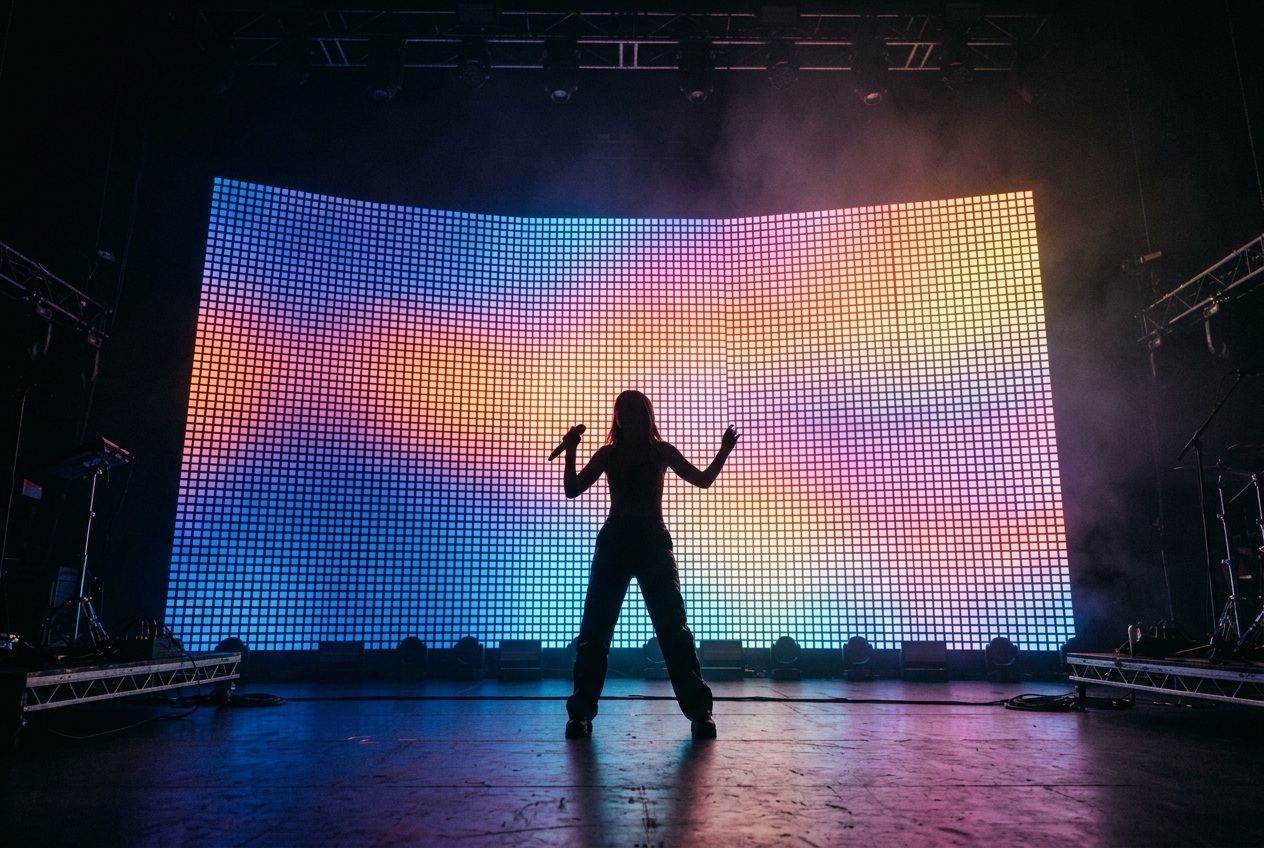
Pixel mapping treats a grid of individually addressable LEDs as a low-resolution screen. You arrange the pixels on a virtual canvas, then play effects or video across them so content flows over the whole array. It's powerful but universe-hungry — plan your network capacity carefully.
What pixel mapping is
Instead of controlling a batten as one colour, pixel mapping controls each pixel individually. Lay those pixels out on a virtual canvas that matches their physical positions, and you can run gradients, chases, text and even video across the whole rig as if it were a coarse screen.
The workflow
- Patch the pixels: each pixel (or pixel group) gets its own channels, usually 3 (RGB) or 4 (RGBW).
- Lay out the canvas: place fixtures on a 2D map so content maps to real space — a batten laid out backwards will scroll the wrong way.
- Add effect layers: generators (waves, scrolls, plasma, noise) or media files play across the map.
- Blend and mask: stack layers, adjust opacity and blend modes, and mask regions for complex, composited looks.
Content that actually reads
Pixel rigs are low resolution, so subtle detail is lost. Bold shapes, strong gradients and clear motion read from the back of the room; fine text and busy video turn to mush. Design for the resolution you actually have.
Mind the universe budget
Pixels are channel-hungry: 170 RGB pixels fill a whole universe. A large LED wall can consume dozens of universes, which is exactly why DMX-over-network (sACN especially) exists. Read how many universes you need before committing to a pixel design, and plan a managed-switch network from the start.
Frame rate and smoothness
DMX refreshes ~44 times per second, which is plenty for lighting but modest for "video". Keep pixel content punchy rather than cinematic, and your effects will look crisp instead of stuttery.
Keep it musical
The most effective pixel mapping is restrained and tied to the music or moment — a slow colour drift during a ballad, a sharp strobe hit on a drop. Combine pixel content with the beat detection in AudioLens for effects that feel choreographed rather than random. See sound-reactive lighting.